What is the best teleprompter app for iPhone?
VoicePrompter is built to be exactly that: it combines whole-script voice scrolling with a floating picture-in-picture window, so your script follows your voice while you film in Instagram, TikTok, or any other app. It's a free download with no account required, so you can judge it for yourself in about a minute.
How does a voice-controlled teleprompter work on iPhone?
VoicePrompter uses Apple's on-device speech recognition to listen to what you actually say and match it against your script in real time. The text scrolls word by word at exactly your speaking pace, pauses when you pause, and waits patiently if you go off-script. No audio ever leaves your iPhone.
Can I use a teleprompter while recording in Instagram, TikTok, or Snapchat?
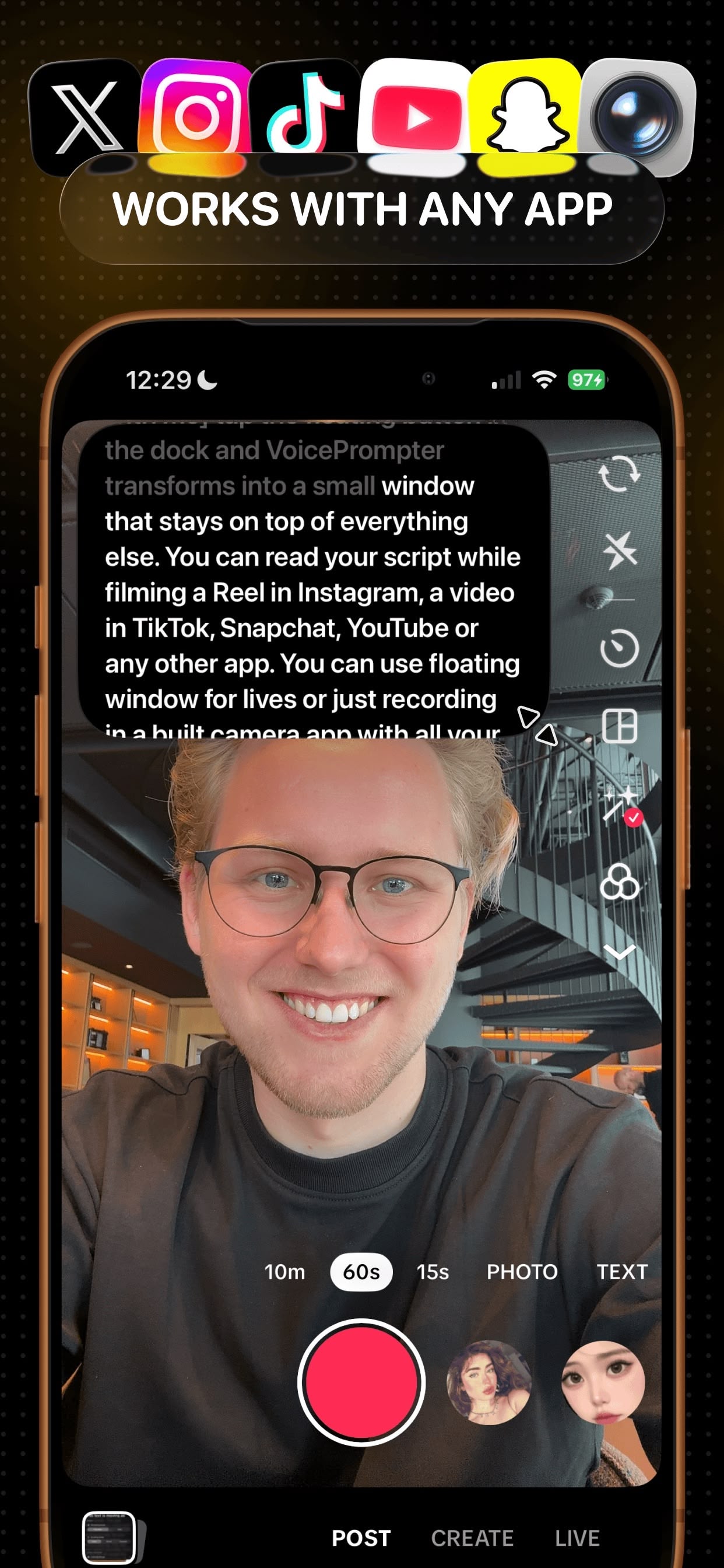
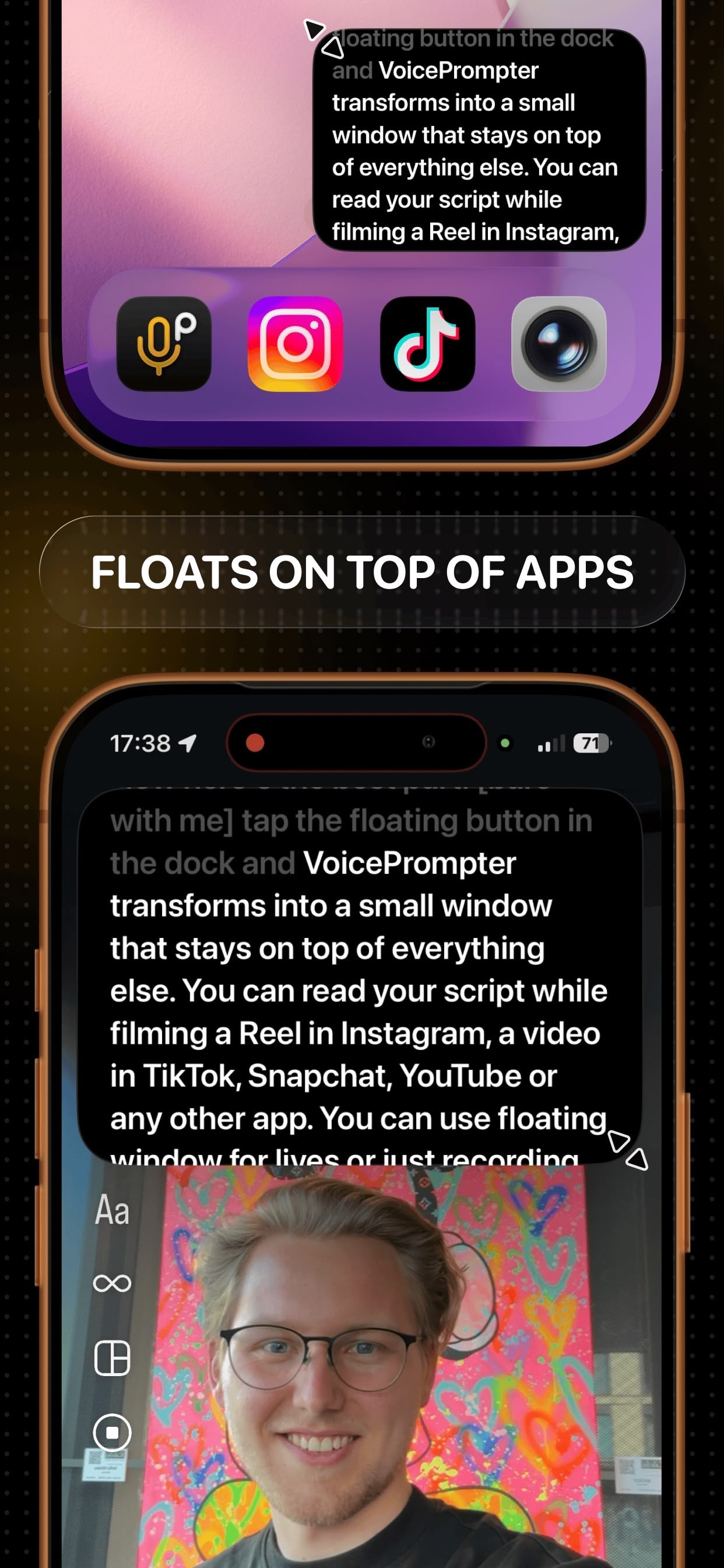
Yes - tap the floating button in VoicePrompter's dock and the prompter becomes a small picture-in-picture window that stays on top of every other app. Open Instagram, TikTok, Snapchat, YouTube, or Facebook, start filming, and read your script from the floating window while the camera records you.
Will the teleprompter be visible in my videos?
No. Apps like Instagram and TikTok record from your camera, not your screen, so the floating script is visible only to you. Your audience just sees you looking at the camera.
Can I record video directly in the app?
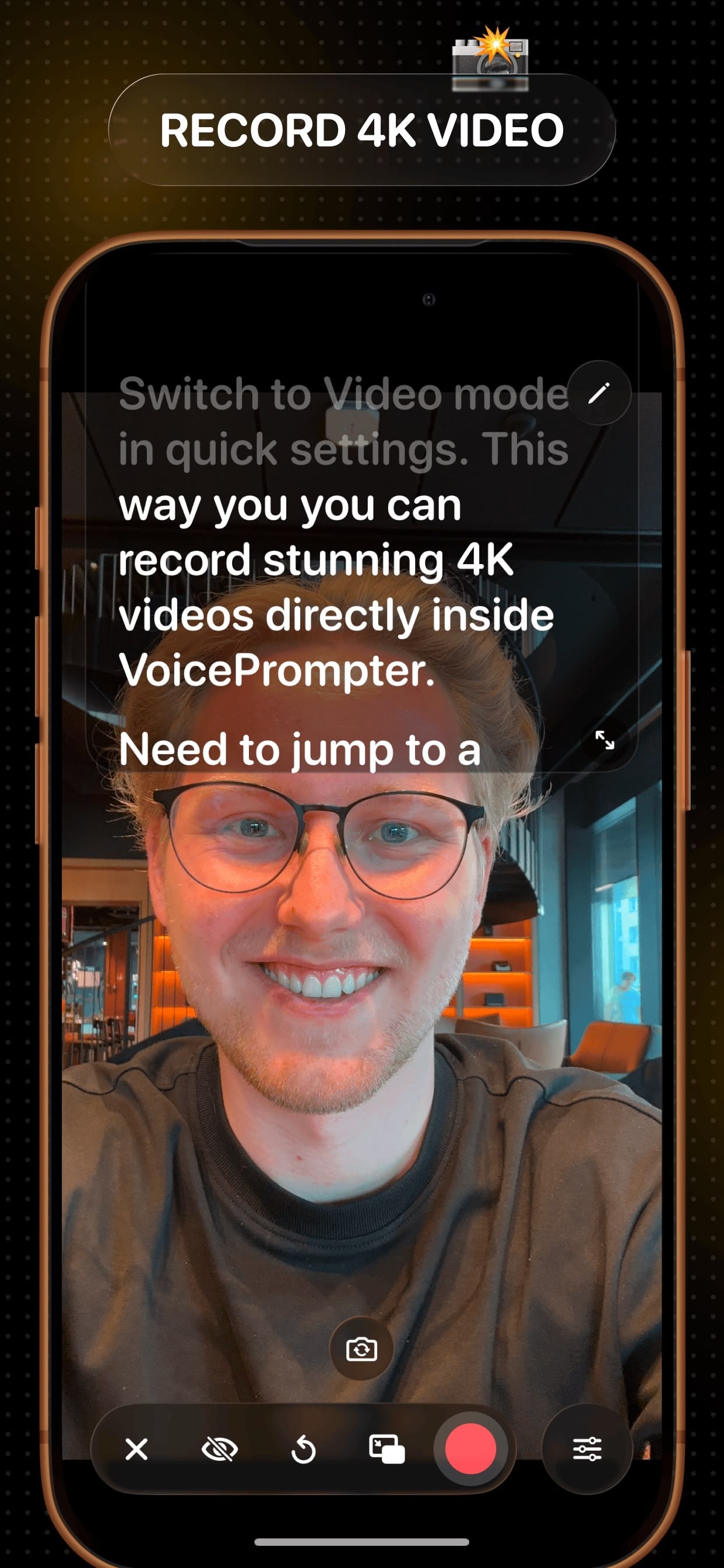
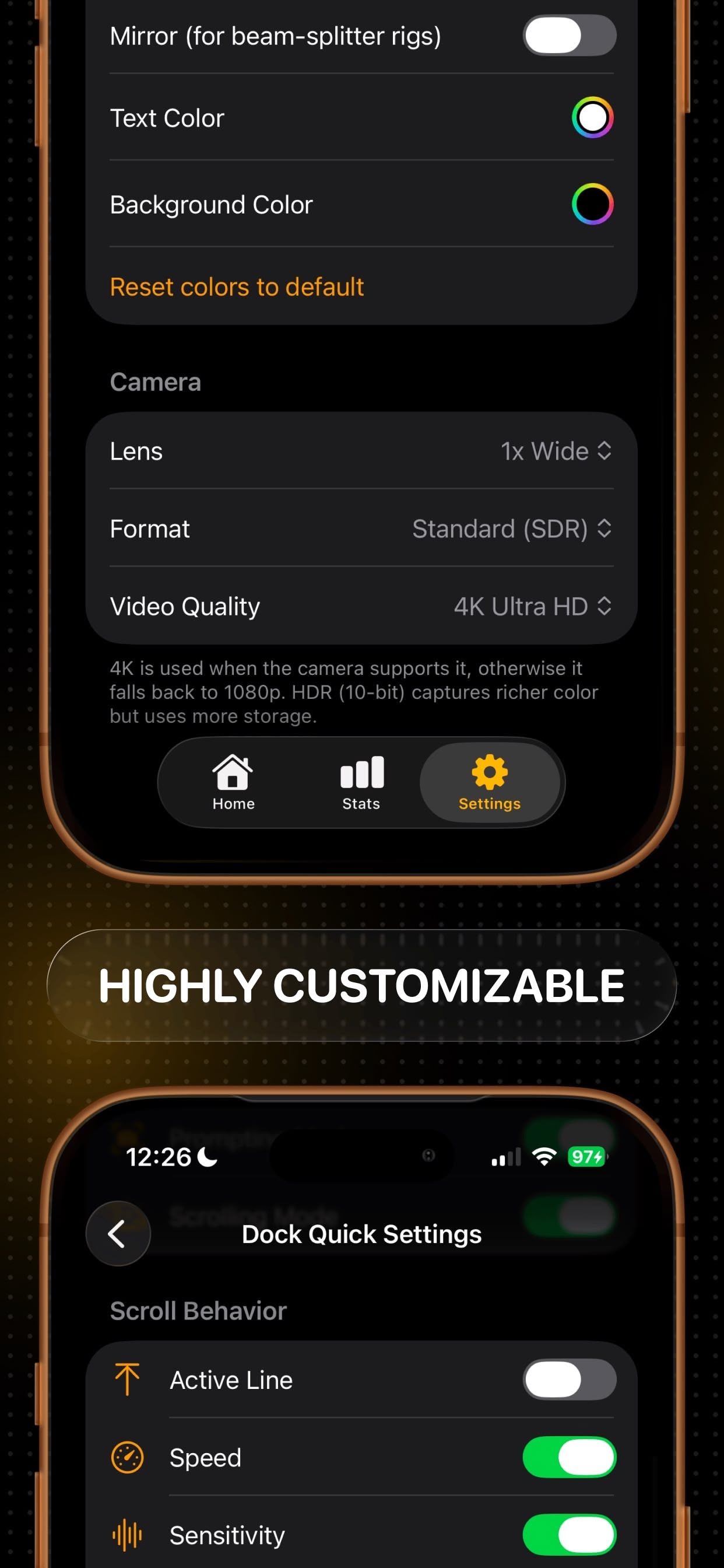
Yes - Video mode turns on the camera right behind your script. You can record in up to 4K, choose your lens, and even capture 10-bit HDR, all while the text scrolls with your voice.
Is VoicePrompter free?
VoicePrompter is free to download and free to use with up to 3 custom scripts, each with unlimited words and unlimited sessions, plus a free demo script with no limits. No account or sign-up is required. If you need more than 3 scripts, you can upgrade to Pro monthly, yearly, or with a one-time Lifetime purchase.
What are voice commands?
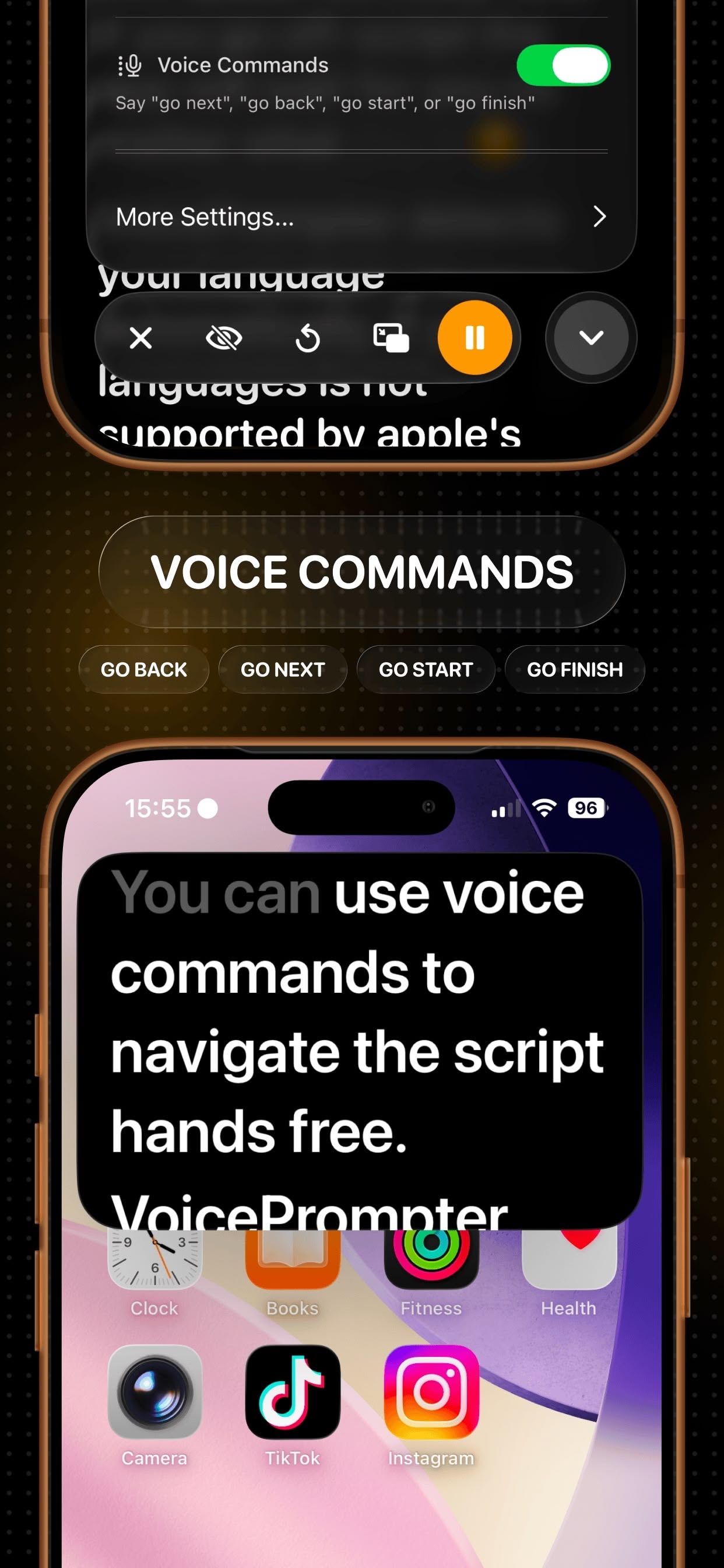
Voice commands let you control the prompter completely hands-free. Say the command and VoicePrompter restarts the script or jumps back to the previous paragraph - without you touching the phone or leaving the app you're filming in. Combined with the floating window, you can run entire filming sessions without ever opening VoicePrompter.
What happens if I go off-script or skip a section?
VoicePrompter tracks your voice against the entire script, not just the next few words. Ad-lib and it waits for you; speak a line from anywhere else in the script and it finds you there - it even scrolls backward, which most teleprompter apps can't do.
Can I jump to a specific part of my script?
Yes - tap any word on the screen and the prompter syncs instantly and continues from that exact point.
What scrolling modes are available?
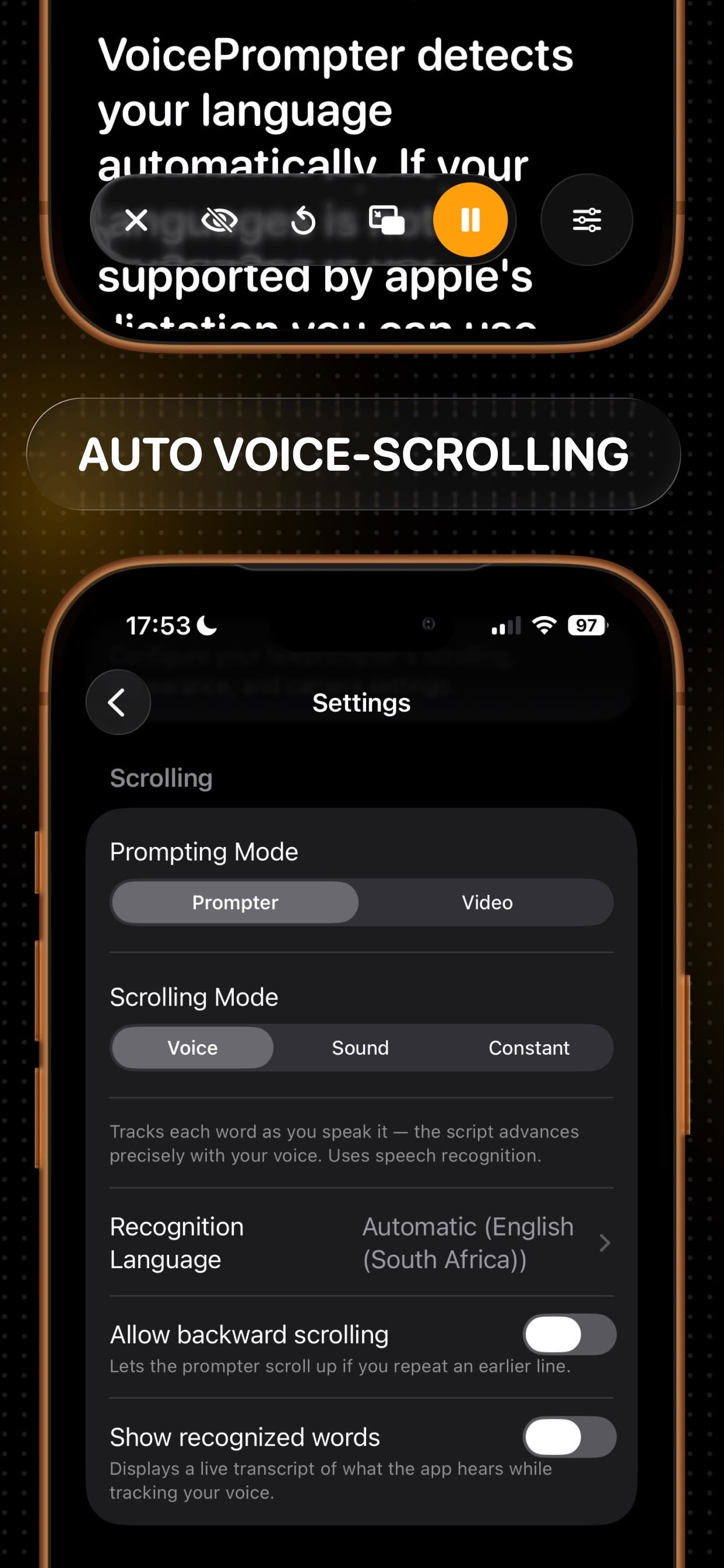
Three: Voice Scrolling follows your speech word by word using speech recognition. Sound Scrolling scrolls whenever the mic picks up your voice and pauses when you go silent - it needs no speech recognition, so it works in any language. Constant Speed scrolls at a steady pace you choose, with no microphone at all.
Which languages does voice scrolling support?
Voice scrolling supports 60+ languages, and the language is detected automatically from your script. For anything beyond those, Sound Scrolling works with literally any language, since it responds to your voice rather than your words.
Does it work with beam-splitter teleprompter rigs?
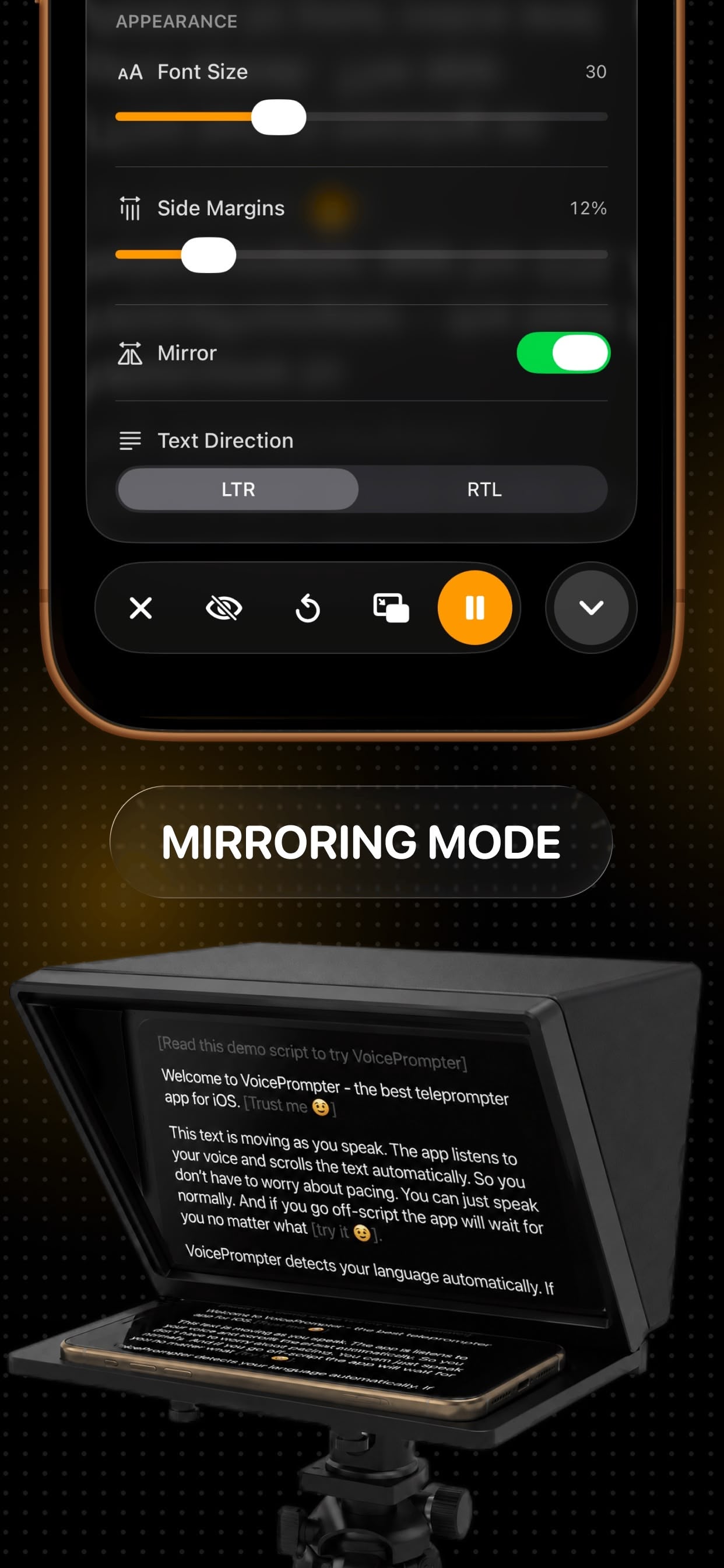
Yes - Mirroring mode flips the display horizontally so the text reads correctly through the glass of any beam-splitter rig, including Elgato, Neewer, Glide Gear, and Desview.
Does it work offline? Is my data private?
Yes. Speech recognition runs locally on your iPhone using Apple's native APIs. No audio is sent to VoicePrompter servers, and no VoicePrompter account is required. Saved scripts can sync privately through Apple's iCloud between devices using the same Apple ID. The app works offline and syncs changes when iCloud is available.
Do my scripts sync across Mac, iPhone, and iPad?
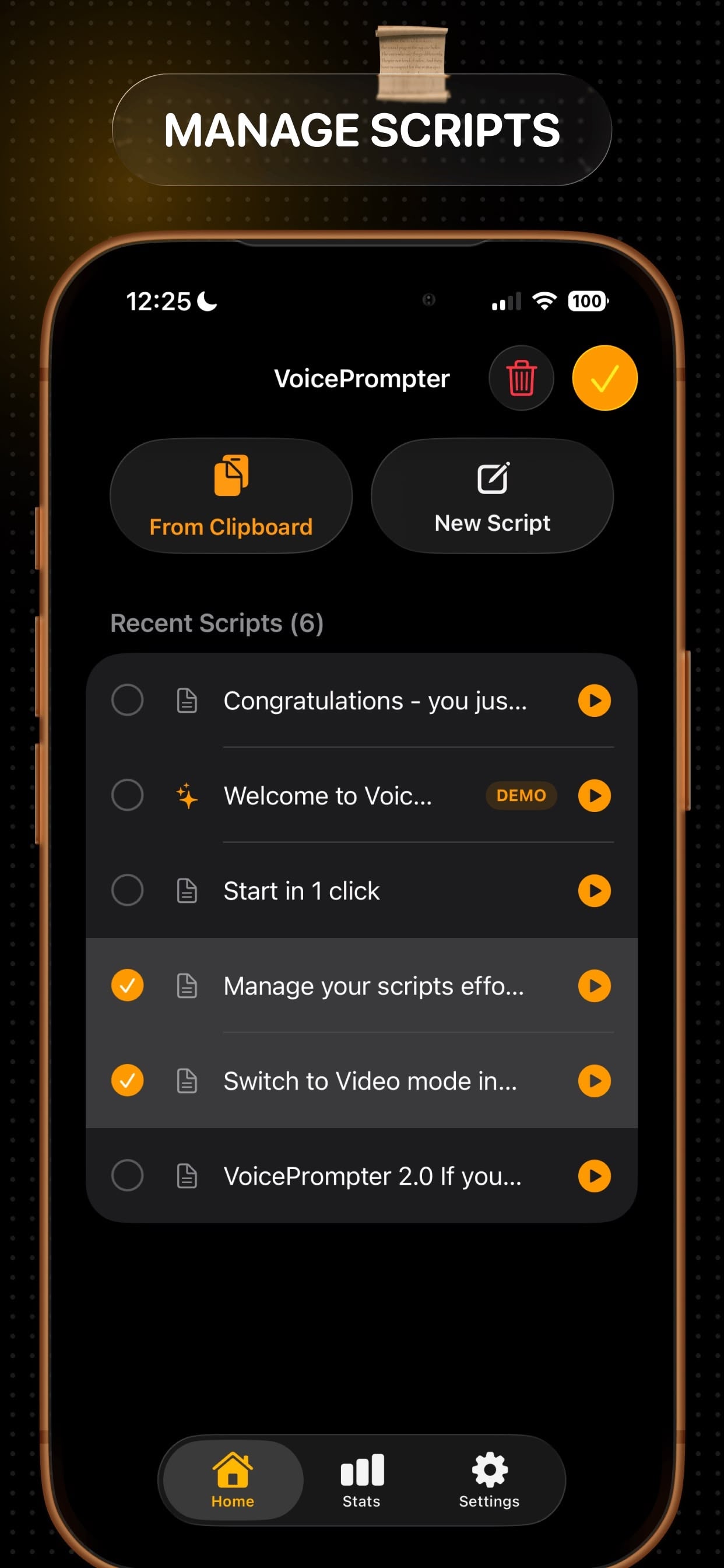
Yes. VoicePrompter saves up to 100 recent scripts and syncs them between Mac, iPhone, and iPad through iCloud when the devices use the same Apple ID. Create or edit a script on one Apple device and it becomes available on the others. The apps continue to work offline and sync changes when iCloud is available.
Does one purchase really unlock iPhone, iPad, and Mac?
Yes - VoicePrompter uses Apple's Universal Purchase. Buy Pro on your iPhone and it's automatically unlocked on your iPad and Mac too, under the same Apple ID.
Can I use it for YouTube videos and live streams?
Yes - float the prompter over the YouTube app for Shorts and live streams, over Twitch or any streaming app, or record long-form videos in 4K directly in VoicePrompter. Creators use it for talking-head videos, product demos, tutorials, course lessons, voiceovers, and audiobook narration.
How is VoicePrompter different from other teleprompter apps?
Three things. It tracks your voice against your whole script - most apps only listen for the next dozen-or-so words and stall if you ad-lib. It floats over other apps in a picture-in-picture window with hands-free voice commands. And it offers a one-time Lifetime purchase instead of subscription-only pricing.
Do I need to create an account?
No. Download the app and start reading - there's no sign-up, no email, and no account at any point.