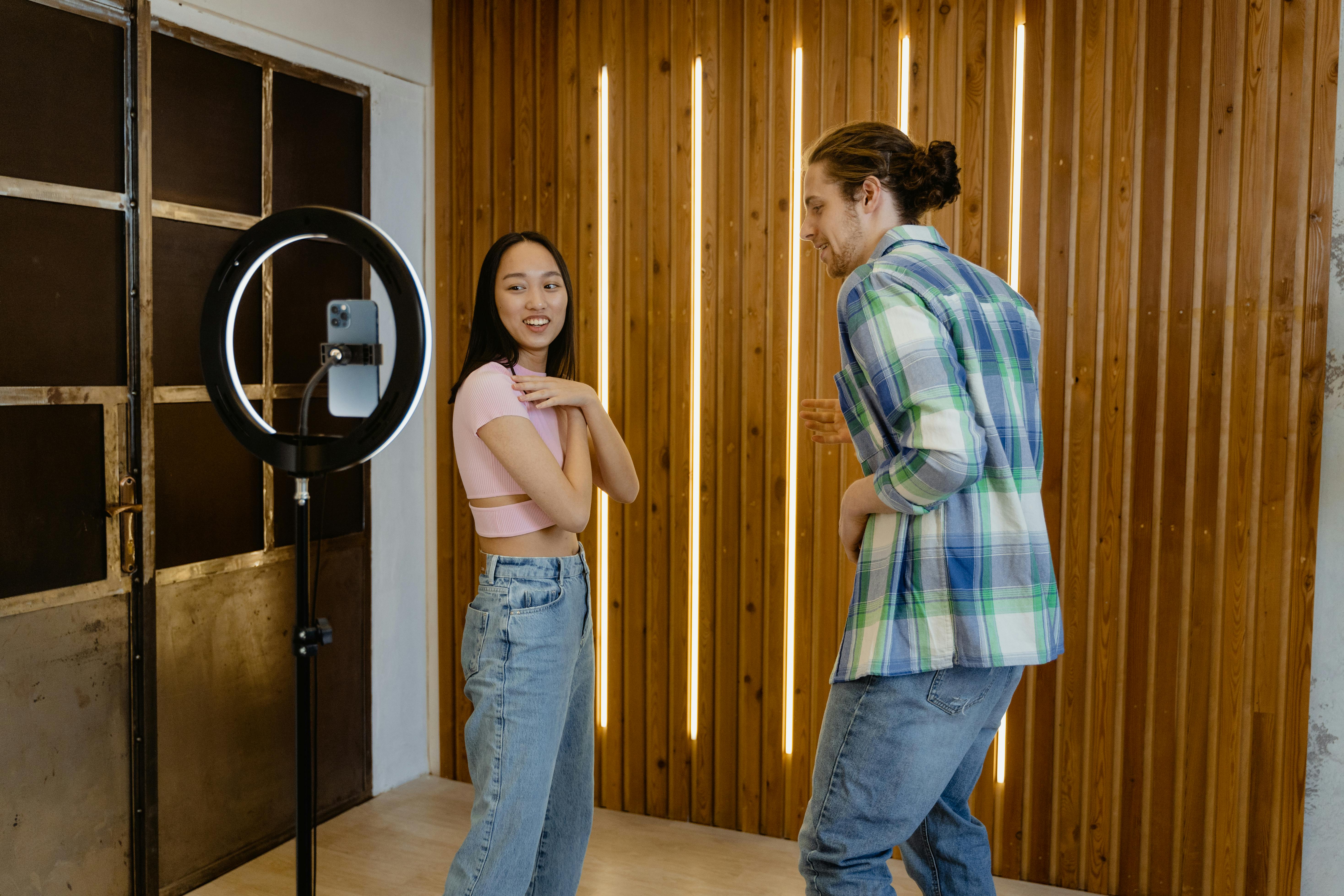
The best teleprompter for TikTok, Instagram Reels, and YouTube Shorts is a floating voice-scrolling window placed beside the phone's front camera. VoicePrompter can float over compatible social and camera apps on iPhone, iPad, and Android, or record vertical video directly, so the script follows your words without appearing in the finished clip.
Disclosure: I built VoicePrompter. This guide covers the setups that fit different short-video workflows, including the cases where a simple in-app recorder or a second-device prompter is the better choice.
Which short-form teleprompter setup should you choose?
| Setup | Best for | Eye line | Voice scrolling | Main limitation |
|---|---|---|---|---|
| Floating VoicePrompter window | Recording inside TikTok, Instagram, YouTube, or another camera app | Excellent when placed beside the lens | Whole-script word tracking | Floating-window support depends on platform and app behavior |
| VoicePrompter in-app camera | Clean vertical recording before upload | Excellent | Whole-script word tracking | You upload the finished video afterward |
| Second phone or iPad | Any camera app and longer scripts | Good if mounted close to the lens | Web or native voice scrolling | More hardware and visible eye drift if placed too far away |
| Fixed-speed mobile prompter | Rehearsed scripts with consistent pacing | Good | No | The text keeps moving during pauses |
Use the floating window when you need the original social app's camera, filters, or live workflow. Use in-app recording when clean footage and reliable prompting matter more than recording directly inside the platform. Use a second device when operating-system restrictions prevent the prompter from floating where you need it.
How do you use a teleprompter for TikTok?
For TikTok, keep the script in a narrow band next to the front camera, use short lines, and let voice tracking control the pace. The prompter should occupy as little of the screen as possible while remaining readable.
With VoicePrompter on a compatible mobile device, load the script, start the floating window, position it beside the lens, then open TikTok and record. The overlay is for you, not part of the camera image. If the current TikTok or operating-system version limits floating overlays, record in VoicePrompter's camera and upload the clip to TikTok afterward.
TikTok scripts benefit from aggressive formatting. Put the hook on its own line. Keep one spoken thought per line. Add blank lines where you want a beat. A wide paragraph forces your eyes to scan across the phone and makes the read visible.
How do you use a teleprompter for Instagram Reels?
The same floating-window setup works for Instagram Reels, but decide first whether you need Instagram's camera effects during recording. If you do, float the script over Instagram. If you do not, record clean vertical footage inside VoicePrompter and add music, captions, and effects during the Reel upload.
For face-to-camera Reels, place the text directly below the lens and keep the first lines around eye level. For demonstrations or product clips, shrink the prompt and move it closer to the action area so you can glance between the script and the object without looking lost.
The script itself should sound spoken. Replace formal transitions with the words you actually use. If you would never say a sentence to a friend, it will sound unnatural in a Reel even when the prompter setup is perfect.
How do you use a teleprompter for YouTube Shorts?
For YouTube Shorts, use the same vertical setup but write with slightly more room for explanation. A Short can support a clear hook, one useful idea, an example, and a close without feeling rushed.
VoicePrompter can float over compatible recording apps or record vertically inside its mobile camera. If the Short is part of a longer YouTube workflow, the best teleprompter for YouTube guide compares mobile, Mac, screen-recording, and editing-oriented options.
Why voice scrolling matters more in short videos
Short-form delivery changes speed constantly. The hook may be fast, the explanation slower, and the final line punchy. A fixed scroll speed cannot anticipate those changes.
Word-tracking voice scrolling advances when you say the script and waits when you pause. VoicePrompter checks the spoken words against the whole script, so it can recover after an ad-lib, skipped sentence, or repeated line. That matters when one imperfect sentence would otherwise force you to restart a 30-second clip.
Sound-based scrolling is different. It reacts to noise or silence without knowing which words you said. It can pause when you stop talking, but it cannot find your place after you jump to another part of the script. The teleprompter scrolling comparison explains all five methods.
How do you avoid the obvious teleprompter stare?
Put the script closer to the lens, narrow the text column, increase the font size, and stop trying to read a whole paragraph at once.
The visible stare usually comes from horizontal scanning. A short line lets your eyes stay in one small area. Position the next sentence around camera height and let the completed text move away naturally. Looking directly at the words should look almost identical to looking at the lens.
Your pacing matters just as much. A fixed-speed prompter creates a regular cadence that sounds read. Voice scrolling lets you pause, change emphasis, and take a breath without losing the next line. The longer technique guide shows how to read a script without looking like you are reading.
What should a 30-second short-form script look like?
A 30-second script normally needs a hook, one idea, one example, and one close. Do not fill the full 30 seconds simply because the platform allows it.
Use this structure:
- Hook: one sentence that names the problem or surprising result.
- Context: one sentence explaining why it matters.
- Payoff: two or three short sentences delivering the useful idea.
- Close: one natural next step.
Format every spoken beat on a separate line. Read the draft aloud before recording. If you run out of breath or stumble twice, rewrite the line instead of practicing a sentence that was never meant to be spoken.
Should you record inside the social app or upload later?
Record inside TikTok or Instagram when you need their live camera effects, platform-specific controls, or a direct posting workflow. Record in a dedicated camera when image quality, repeatable settings, and clean source files matter more.
A floating prompter supports both approaches where the operating system and recording app allow it. In-app VoicePrompter recording is the predictable fallback. The prompter and camera are designed together, then the finished vertical video can be uploaded anywhere.


Frequently asked questions
Can I use a teleprompter inside TikTok? VoicePrompter can float a script over compatible apps and devices while TikTok records from the camera. If floating behavior is limited by the current app or operating system, record vertically inside VoicePrompter and upload the result.
Can I use a teleprompter for Instagram Reels? Yes. Use a floating script beside the front camera when recording inside Instagram, or record in VoicePrompter and add Reel captions, music, and effects during upload.
What is the best teleprompter for YouTube Shorts? VoicePrompter is a strong choice because it offers whole-script word tracking, vertical mobile recording, and a floating mobile window. A fixed-speed prompter is enough if your delivery is tightly rehearsed.
Will the floating teleprompter appear in the video? A floating prompter is an interface overlay rather than part of the camera image, so it is not recorded into the video. Test a short clip before an important take because operating-system and app behavior can change.
How long should a TikTok or Reel script be? Write for the intended delivery rather than a fixed word count. Read it aloud with your actual pauses and remove every sentence that does not support the hook, payoff, or close.
Is there a free teleprompter for short videos? The VoicePrompter native apps let you test the full voice-scrolling workflow with up to three custom scripts plus the demo. The web app is completely free and works well on a second device near the camera.
Related guides: