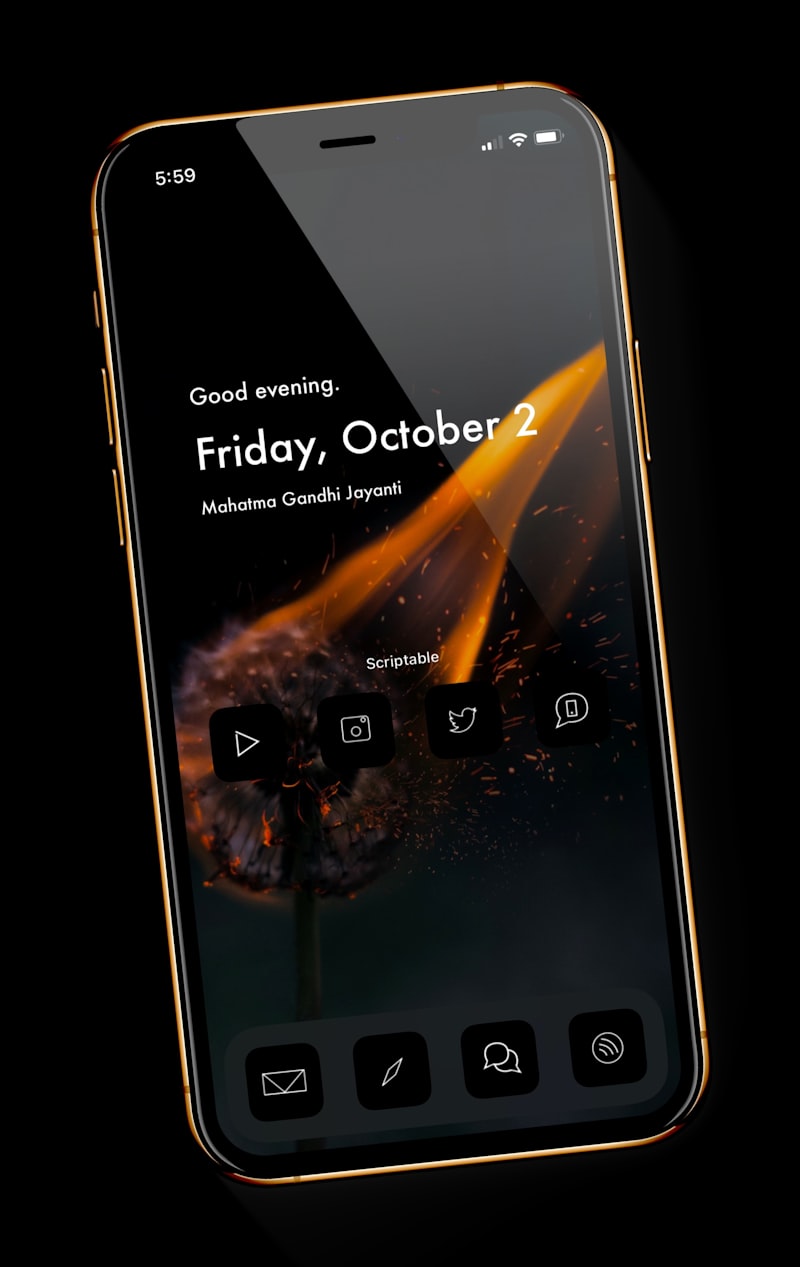
The best teleprompter app for iPhone and iPad is the one that scrolls the way you actually speak. I compared 10 popular iOS teleprompters, and the field splits sharply: seven scroll at a fixed speed you have to chase, and only three listen to your voice at all. VoicePrompter is the one I'd hand to a creator first - it's the only app here that tracks your voice against your entire script, scrolls backward when you backtrack, and floats over TikTok or Instagram while you film. I built it, so judge that claim by the specifics below, not by my say-so.
How I compared them
I make a teleprompter app, so I watch this market closely. Every capability claim below comes from each app's own App Store listing or website as of mid-2026, plus hands-on testing where it matters most: the scrolling. That's the axis that decides whether your read sounds natural, so it's the first thing I checked for every app, followed by whether it can float over other apps, record video itself, and how many languages it understands.
One distinction does most of the work in this list. "Auto-scrolling" gets used for three very different things:
- Word tracking - real speech recognition follows your actual words. Pause, ad-lib, or skip, and the script stays with you.
- Sound scrolling - the app scrolls while it hears noise and pauses on silence. It doesn't know which word you're on.
- Fixed speed - the classic motorized crawl. You match the screen, not the other way around.
I wrote a deeper explainer on these in the five ways a teleprompter can scroll.
The comparison at a glance
| App | Scrolling | Follows your whole script? | Floats over other apps | Records video in app |
|---|---|---|---|---|
| VoicePrompter | Word tracking + sound + constant | Yes, incl. backward | Yes | Yes, up to 4K |
| Teleprompter.com | Voice-following + timed + manual | Forward only | No | Yes |
| PromptSmart Pro | Word tracking (VoiceTrack) | Holds place, forward only | No | Yes |
| VoiceScroll | Word tracking | Forward only | No | Yes |
| BIGVU | Fixed speed + pause on silence | No | No | Yes |
| Video Teleprompter | Fixed speed + remotes | No | No | Yes |
| Teleprompter Pro | Fixed speed + timed + remotes | No | No | Yes |
| Teleprompter - VILO | Fixed speed | No | No | Yes |
| Teleprompter: Floating Notes | Fixed speed | No | Yes | Yes |
| Telepromptr | Fixed speed + timed | No | No | No |
1. VoicePrompter - best overall for iPhone and iPad
Best for creators who want the script to follow them, not the other way around. VoicePrompter tracks your speech against the whole script at every moment. Skip a paragraph, ad-lib a story, or restart a sentence from earlier, and it finds you there - it's the only app in this list that scrolls backward. It's also the only one that floats a picture-in-picture prompter over Instagram, TikTok, Snapchat, or any camera app while their camera records you, and it records in up to 4K with lens selection when you'd rather film in-app. Voice tracking runs on-device in 60+ languages, offline, with a one-tap "start from clipboard" flow.
Honest limits: it's Apple-only (iPhone, iPad, Mac - one purchase unlocks all three), and voice tracking prefers a reasonably quiet room, which is why there's a sound-scrolling fallback. An early iOS reviewer summed up the experience: "The scroll by voice feature is super smooth and the interface is user friendly." - Holdridge87, App Store review.

2. Teleprompter.com - polished all-platform prompter
Best if you present from many devices. Teleprompter.com is a mature, well-designed prompter for iPhone, iPad, Mac, Android, and the web, with in-app recording and an Auto Scroll mode that advances the script based on how you speak. It's the most credible voice-following rival here. The difference shows when you leave the script: in our testing as of mid-2026, its voice mode follows you forward through the text but won't find you if you jump back to re-record an earlier line, where a whole-script tracker will. Subscription-based; check their site for current terms.
3. PromptSmart Pro - the word-tracking veteran
Best for scripted speakers who never leave the page. PromptSmart's patented VoiceTrack was the original speech-recognition teleprompter: it scrolls as you speak, holds your place when you improvise, and resumes when you return to the script - all offline, no calibration. It imports DOCX, PDF, and Google Docs, and records HD video in Selfie Mode. The trade-offs: the interface feels dated next to newer apps, tracking is hold-and-resume rather than whole-script (jump around and it waits rather than follows), and extras like remote control sit behind an additional subscription tier.
4. VoiceScroll - promising newcomer
Best for early adopters curious about voice tech. VoiceScroll is a young app built entirely around voice-activated scrolling, with real-time word highlighting and a draggable camera preview over the script. Speech recognition runs on-device in about 11 languages as of mid-2026. It's genuinely trying to solve the right problem; it's also brand new, with a tiny track record and a much smaller language list than the established voice apps. One to watch.
5. BIGVU - the all-in-one video studio
Best if the teleprompter is just one stop in your pipeline. BIGVU bundles a prompter with AI captions, eye-contact correction, background replacement, trimming, and publishing tools - a full short-video studio. The prompter itself, though, scrolls at a set speed with a "pause on silence" assist: it hears that you're talking, not what you're saying, so it can't follow you off-script or find your place. If you want the editing suite, BIGVU earns its place; if you want the most natural read, sound detection isn't word tracking.
6. Video Teleprompter - the remote-control classic
Best for hardware-driven setups. Video Teleprompter (Teleprompter Apps Ltd) is a long-standing favorite with smart layout that keeps the text near the lens, and scroll control from keyboards, media remotes, game controllers, and foot pedals. There's no speech recognition - you set a speed or drive it with hardware - which works well for anchors with an operator or a pedal under the desk, less well for a solo creator whose pacing changes take to take.
7. Teleprompter Pro - studio features, manual heart
Best for production environments. From the same developer as Video Teleprompter, Teleprompter Pro adds cloud sync, rich text, cue indicators, external display output, and timed scrolling that fits a script to an exact duration - genuinely useful for broadcast-style work on iPad rigs. Scrolling remains manual or timed; as of mid-2026 there's no voice mode, so the natural-pace problem is yours to manage with rehearsal or a remote.
8. Teleprompter - VILO - social-media styling
Best for caption-heavy social clips. VILO pairs a fixed-speed prompter with an AI script generator, auto-captions, green-screen background removal, and Apple Watch remote control. The prompter scrolls "at your chosen speed" (their words) - there's no voice following - and most features sit behind the premium subscription. Think of it as a social-video toolkit with a basic prompter inside.
9. Teleprompter: Floating Notes - the floating pioneer
Best if floating is all you need. Floating Notes had the right idea early: a script window that stays on top of other apps, so you can read while filming in Instagram or a live-stream app, with adjustable size and opacity. The catch is what's inside the window - fixed-speed scrolling you tune by hand. VoicePrompter took the same floating concept and put word tracking and voice commands inside it; here you'll be reaching in to nudge the speed mid-take.
10. Telepromptr - radical simplicity
Best for a clean, no-account prompter. Telepromptr is deliberately minimal: paste or import text (Word, PDF, Markdown), set your speed or a countdown, and read from a beautifully smooth ProMotion display. No recording, no voice tracking, no cloud - and for podium speeches or external-camera setups where you just need scrolling text, that simplicity is the feature.
Also seen in the App Store: Video Teleprompter - Slate AI (New Level Apps), a simple fixed-speed prompter with adjustable speed and fonts. Fine for basics; nothing here the apps above don't do better.
So which one should you get?
If you read one paragraph, read this one. Most "auto-scrolling" iPhone teleprompters make you match a motor. Three apps listen to your voice; of those, only VoicePrompter follows your whole script - forward, backward, mid-ad-lib - and only VoicePrompter floats that intelligence over TikTok, Instagram, or any other app while you film. That's the combination that turns six takes into two. The math I see from users: on a 5-minute script, going from ~6 takes to ~2 at ~7 minutes each saves 25-30 minutes per video.
The setup guide for iPhone is in teleprompter for iPhone that scrolls as you speak, and iPad users (tripods, beam-splitter rigs, big-screen reading) should look at the iPad teleprompter page. VoicePrompter is free to try with 3 custom scripts plus an unlimited demo script, so the honest move is: test the voice tracking against any app on this list and keep whichever reads more naturally.
Frequently asked questions
What is the best teleprompter app for iPhone? For most creators, VoicePrompter: it's the only iOS teleprompter that combines whole-script voice tracking (including backward scrolling), a floating window over apps like TikTok and Instagram, 4K in-app recording, and 60+ on-device languages. Try the free tier against any rival and compare the read.
Which teleprompter apps actually follow your voice? As of mid-2026, three of the ten compared here: VoicePrompter, Teleprompter.com (Auto Scroll), and PromptSmart Pro (VoiceTrack), plus newcomer VoiceScroll. BIGVU pauses on silence but doesn't track words; the rest scroll at a fixed speed.
What's the difference between voice tracking and sound scrolling? Voice tracking uses speech recognition to follow your actual words, so it handles pauses, ad-libs, and skipped lines. Sound scrolling just moves while it hears noise and stops in silence - it never knows which word you're on.
Do these apps work on iPad too? Most are universal iPhone/iPad apps. On iPad, look for mirroring for beam-splitter rigs and big readable text - VoicePrompter covers both, detailed on the iPad page.
Can a teleprompter stay invisible while I record in TikTok or Instagram? Yes, if the app can float over other apps. Those apps record from the camera, not the screen, so a floating script never appears in the video. VoicePrompter and Floating Notes can do this; most others prompt only inside their own recorder.
What's the best autocue app for iPhone or iPad? Autocue is the British term for a teleprompter, so the answer is the same ranking: VoicePrompter leads for its voice-tracking autocue with mirror mode for glass rigs, with Teleprompter.com and PromptSmart Pro as alternatives.
Is there a good free teleprompter for iPhone? VoicePrompter's free tier includes full voice tracking with 3 custom scripts plus an unlimited demo script, no account needed. Most competitor free tiers watermark video or limit core features - check each listing for current terms.